
Photo: Karolina Grabowska
Receipt scanning apps allow you to scan and store important paper receipts for future reference. These apps are quite helpful if you are on an office trip and want to keep the receipts of the expenses.
But are these applications safe? What data do these apps take and how do they use that data? People who take their cyber security seriously often ask these questions.
So, in this article, we will explore the receipt scanning apps and will assess their safety.
How do the receipt scanning apps operate?
These apps utilise a smartphone’s camera to capture receipt images, extending to invoices, bills, and other documents. Information like date, amount, vendor, category, and payment method is extracted using optical character recognition (OCR) technology.
The scanned receipts are stored in a cloud server accessible from any device, and may also integrate with third-party services for other enhanced features.
Also read: Is Amazon’s GPT55x a hoax or real?
Are receipt scanning apps safe?
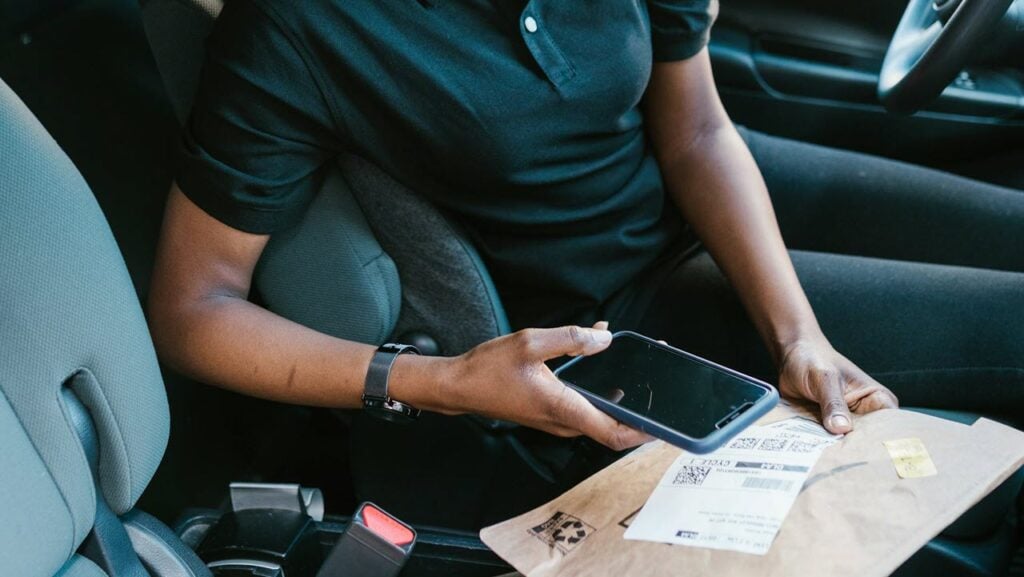
It depends on app-to-app. Some apps are definitely more secure than others. A central point of worry about these apps is regarding the security of personal and financial data.
However, dependable receipt scanning apps do deploy advanced security measures to keep your data safe. That being said, no data is safe on the internet. So, if the document is quite important to you, you should avoid scanning it in the first place.
Top companies in this field also deploy data encryption technologies to keep your data safe. Encryption breaks the data and scatters it so that unauthorised individuals cannot read it.
Moreover, top receipt scanning apps also provide extra security measures like two-factor authentication (2FA) to further prevent unauthorised logins.
These apps also utilise advanced OCR algorithms for more precise scanning. However, it is necessary to manually verify the scanned file for errors.
Also read: Is Bstoer.top safe?
Protective measures while using receipt scanning apps
Here are some protective measures that you can take before using the receipt scanning apps:
- Research the app before downloading it: Do thorough research on the app before actually downloading it on your device. Read the customer reviews and ratings and avoid downloading the app from unauthorised sources. Only use trusted sources like the Play Store and App Store.
- Read the app’s privacy policy: Reading the privacy policy explains how the app will use your data and what data it will collect. The privacy policy also mentions with which companies your data will be shared.
- Keep the app’s permissions to a minimum: As explained earlier, these apps only need a camera to work properly. If an app needs other permissions including location, contacts, or notifications, then you can limit these permissions. Also, avoid entering your work email or avoid linking the app to your other social media accounts.
- Redeem reward points quickly: Some receipt-scanning apps provide you with reward points for every scan you make. Make sure to use these reward points quickly and do not let them accumulate.
- Enable 2FA: Enabling 2FA will provide a dual layer of security to your app. Along with the password, a code will be sent to the email or phone number.
In conclusion, receipt-scanning apps are quite useful for day-to-day workflow. However, you should keep in mind various protective measures that we have mentioned before installing them on your device as installing the wrong app may put your data and privacy in danger.
Also read: What is Intelmeprov? Is it safe?


