The Alexa Fire TV remote is super handy because it helps you to use the Firestick and navigate through it. If your Firestick remote has gone missing, and you’ve checked everywhere but can’t find it, don’t worry. There are still ways to use the Fire TV Stick, even without the remote.
If you are wondering how to use the Firestick without its remote, this guide discusses various ways to help you use it without its remote.
Also read: Why is my Firestick slow?
Ways to use FireTV without its remote
Here are a few ways that might help you use your FireTV without its remote:
Use the Amazon Fire TV app
The simplest solution to your missing remote is the official Amazon Fire TV Remote App, available for Android and iOS devices. This app allows your smartphone to function as a replacement remote control. To set it up:

- Go to your app store on your phone and download the app.
- Log in with your Amazon account.
- Ensure your smartphone and Fire TV are connected to the same WiFi.
- It will ask you to enter the four-digit code on the Fire TV screen.

Use the Amazon Fire TV app without WiFi
If you don’t have WiFi or your WiFi is not working, and you still want to use the Fire TV app to use it as your remote, then you can create a mobile hotspot and connect them both. For this, you will need two smartphones. Follow the steps below to set it up:

- Create a WiFi hotspot on your phone.
- Go to Settings > Network and Internet > Hotspot and Tethering > WiFi Hotspot.
- Rename the hotspot name to the WiFi network previously connected to your Fire TV.
- Similarly, change the password to the exact password of your previous network.
- Restart your TV, which will automatically connect to the newly created hotspot.
- Now, connect to the same hot spot on the other smartphone and download the app.
- Enter your Amazon credentials and enter the pin.
The app will be connected to your Fire TV now.
Use Alexa
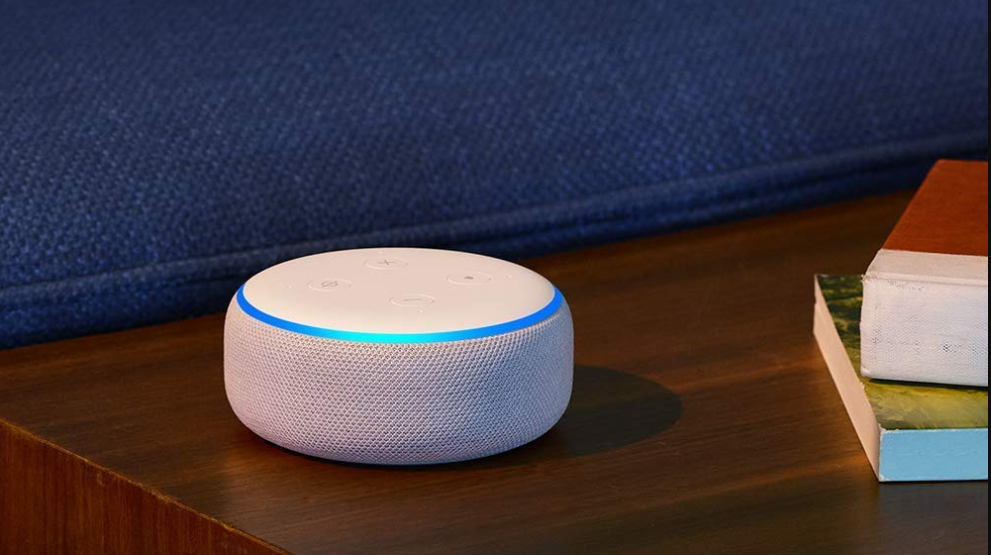
If you have an Alexa speaker at home, you can use it to watch on Fire TV. But make sure your Firestick and Alexa are linked with the same Amazon account. Then, you can say things like, Alexa, open Netflix on Fire TV or Alexa, pause.
Use your TV remote
Many people don’t realise this, but your regular TV remote can control your Fire TV Stick. Many modern TVs have a special feature called HDMI-CEC, which lets different devices connected to your TV communicate. So, when you press a button on your TV remote, it sends commands to your Fire TV through HDMI-CEC.

Use a keyboard or mouse with Firestick
If none of the above-mentioned methods works, you can use your computer’s keyboard and mouse to control your Fire TV. You can connect them with or without wires, and it works well. If you have a Fire TV Stick, it has only one tiny USB port, so you might need to get a micro USB splitter from Amazon for about $6 to make this connection.
Also read: Firestick remote not working after changing batteries: Quick Fix