Tinder is a popular dating app; it became famous because of its swipe right to match and left to pass the profiles. However, it is not unusual for users to face issues like matches disappearing from their Tinder profile. There can be several reasons why your matches on Tinder are disappearing. It could be because the other user decided to unmatch with you, or there might be some technical problems with the app.
In this article, we have discussed the causes of why the matches on Tinder are disappearing and what you can do to fix it.
Why are the matches on Tinder disappearing?
Below, we have mentioned a few possible reasons for the disappearance of the matches on your Tinder profile.
- The other user has unmatched you.
- The other user deleted their account.
- It was a bot.
- Technical glitch.
- Poor internet connection.
- The server is down.
Also read: What to do if Tinder won’t let me delete my account?
If only a few matches have disappeared
If a few matches disappeared from your Tinder profile, then there are probably no problems with the app; we have explained why the matches disappeared.
They unmatched you
A match might disappear because the other person decided to unmatch with you. It’s common on dating apps, and it is not your fault. To prevent this, try to keep the conversation with your match interesting.

They Deleted Their Account
If the user deletes their entire Tinder account, your match will disappear. Unlike other apps, like Bumble, Tinder doesn’t keep the conversation if the account is deleted. Don’t take it personally if this happens; people have various reasons for leaving Tinder.
The match was possibly a bot
It could have been a bot if your match seemed too perfect or too good to be true. Tinder works hard to remove bots, so if they find one, they’ll delete it. Always be cautious of bots and scammers on the platform; they can be deceptive.
Also read: What is Thrill Algorithm on Mac?
If all your matches disappeared
If all the matches on your Tinder profile disappear suddenly, then it means there might be some issue with the app or Tinder server; we have explained a few methods to help you fix it.
Restart the device
Most of the time, restarting your device is usually the best way to fix many problems, and it also works most of the time in resolving minor issues caused by technical glitches and bugs in your phone. If the matches on your Tinder profile are disappearing because of minor bugs or glitches on your device, then it might solve them.
Check the Internet Connection
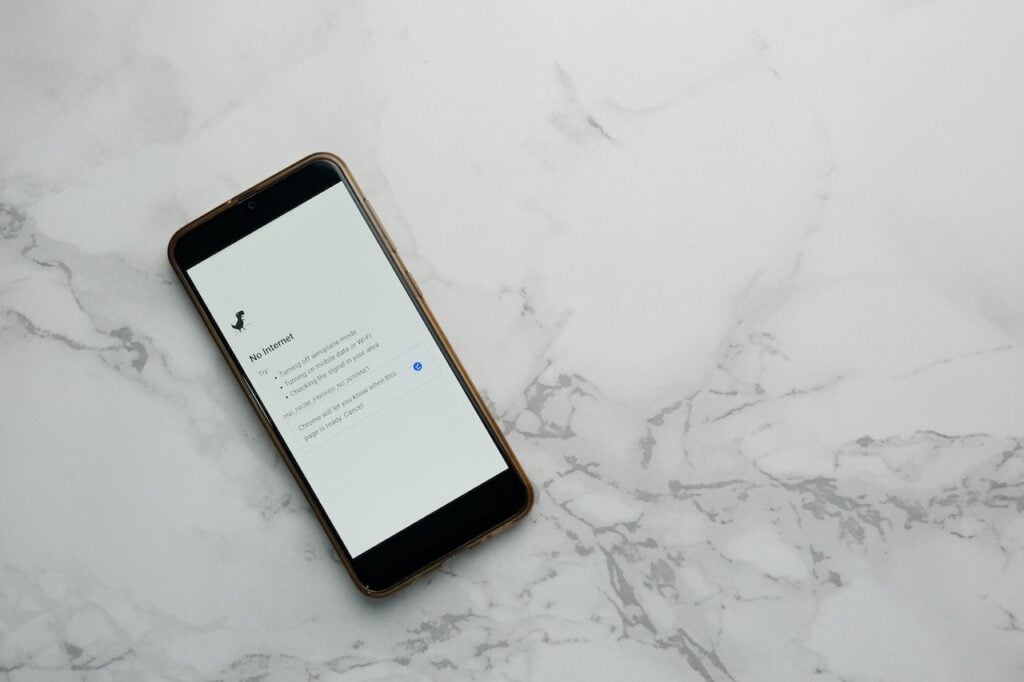
Sometimes, the matches may disappear from your Tinder profile because of a poor or unstable internet connection. Make sure your device is connected to a reliable network. Switch between Wi-Fi and cellular data, and if needed, restart the WiFi.
Check the server status
Sometimes, the problem may not be on your end but with Tinder’s servers. Check Tinder’s official website or social media channels for any announcements regarding server maintenance or issues. You can also use websites like downdetector to check the server status of Tinder. If there are server problems, you may need to wait until they are resolved.
Relogin to your Tinder account
There may be some issues connecting your profile with the Tinder server; if there are some technical glitches that might be causing the issue, log out of your Tinder profile, then log back in and check if it resolves the issue.
Reinstall the App
It is possible that some app files got corrupted and caused the disappearance of matches on your Tinder profile. Reinstalling the Tinder app might fix the issue. Uninstall the Tinder app from your device, reinstall it from your phone’s app store, and then check whether the issue persists.
Also read: What do the icons on Tinder mean?