Sometimes, when you upload pictures on Instagram, you may have noticed that Instagram lowers the picture quality. Your pictures might look blurry or pixelated, which can be frustrating, especially when many followers notice your photography skills.
In this article, we’ll discuss why Instagram does that and how to counter this.
Compression algorithm of Instagram
Instagram lowers the picture quality because of the in-built compression algorithm due to the following reasons:
- Sometimes, the Instagram servers are loaded, and uploading high-quality pictures increases the load. So, Instagram lowers the quality.
- Uploading the picture in lower quality also decreases the load times.
- To improve the user experience.
In compression, the file size of the image or video is reduced as the algorithm removes the redundant data. The algorithm detects the edges of objects and darkens them, reducing the contrast and colour saturation, thereby making the picture look dull and grainy.
Also read: Discord symbols and icons explained
How to upload pictures of high quality on Instagram?
To counter the Instagram’s algorithmic compression, you can follow the steps given below:
Transfer files in the right way
When you transfer files from one device to another, quality can be lost. For example, if you have first uploaded a video on WhatsApp, the picture quality can be reduced.
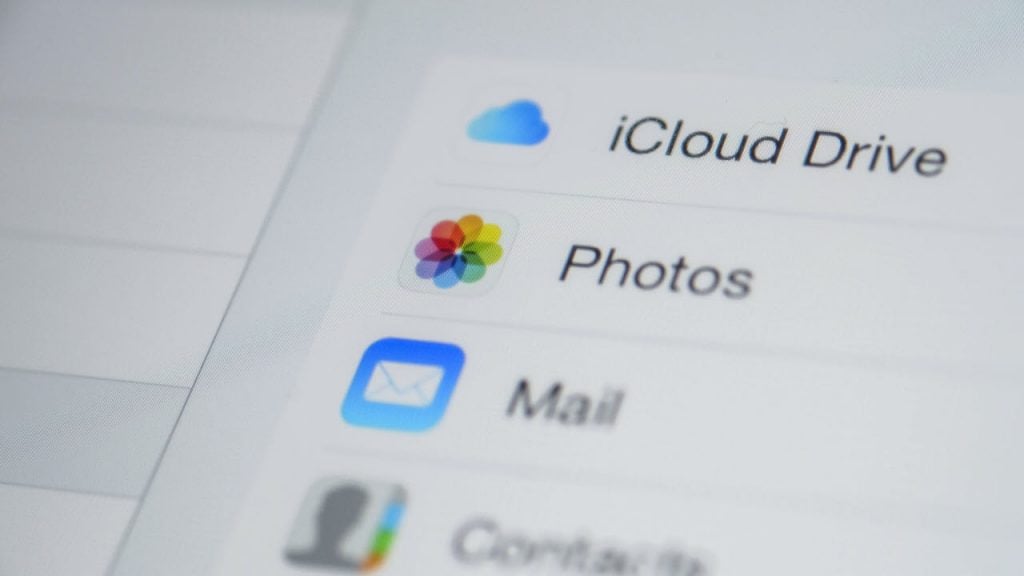
However, if you upload a picture on a cloud platform like Dropbox or Google Drive, there will be no loss of picture quality. So, try to upload the picture on the cloud. You can also email the pictures and then upload them on Instagram.
Use your phone’s camera rather than Instagram’s app camera
Your phone’s camera takes better pictures than Instagram’s camera application. First, click the picture from your camera app and edit it accordingly.
Then, transfer it via the cloud and upload it on Instagram.

Follow Instagram’s guidelines
Instagram has a set of guidelines regarding the photos that you upload on the platform. Here are some of them:
- Upload the picture in 1080p to maintain the best possible quality.
- When you upload a picture between 320p and 1080p, Instagram will keep the original image size as long as the aspect ratio is between 1.91:1 and 4:5.
- For pictures with a lower resolution than 320p, the algorithm automatically converts it to 320p.
Also read: Why is my phone black and white?
Resize the image upfront
If your photo has a higher resolution than 1080p, resize it upfront. For this, you can take the help of any photo editing software like Adobe Photoshop or Snapseed and resize the image to 1080p so that Instagram doesn’t lower the picture quality.
Avoid adding music to pictures
If you are a person who likes to add music to your Instagram pictures, it can increase the size of the picture, and Instagram may lower the quality.
So, upload the best possible picture but without music. There are other ways to get your audience’s attention, such as a captivating picture description or a question to the audience.
Tweak the camera settings
You should tweak some of the settings to click a better picture. Adjust the exposure, focus, white balance, ISO, shutter speed, and other parameters for the best quality photo.
However, remember that these features require much more editing and storage space.
Also read: What to do if Netflix’s Continue Watching is gone?