
Android phones have their operating system (OS) with apps and functions that work specifically for that system; however, one might be looking to simulate a Windows OS on their smartphones for various reasons. To run Windows-specific applications, to play Windows-compatible games, for nostalgia, or to relive the experience of using older OS versions like Windows 7.
Several open-source and free options are available on app stores and the web regarding Windows emulators and simulators, but how do you decide which one best suits your needs? This article highlights the Top 7 Windows emulators for Android.
What is a Windows emulator?
An emulator is a program that allows you to run software created for one type of hardware or device on a completely different type of device. For instance, an application from your Android smartphone running on your Windows PC, and vice versa.
Emulators mimic a piece of hardware, including parts like the CPU responsible for the instruction set that defines how the computer executes program commands. Desktops or laptops use an x86 instruction set, while modern Android smartphones run on ARM.
Here are 7 emulators and simulators in the market that let a user run or simulate Windows OS on their Android device.
Bochs Emulator
An open-source IA-32 (x86) PC emulator written in C++, Bochs can run most operating systems, including Linux, DOS and Microsoft Windows. Bochs provides a complete x86 PC emulation, including the x86 processor, hardware devices, and memory. You can run Windows OS and software within the Bochs emulator on your workstation.
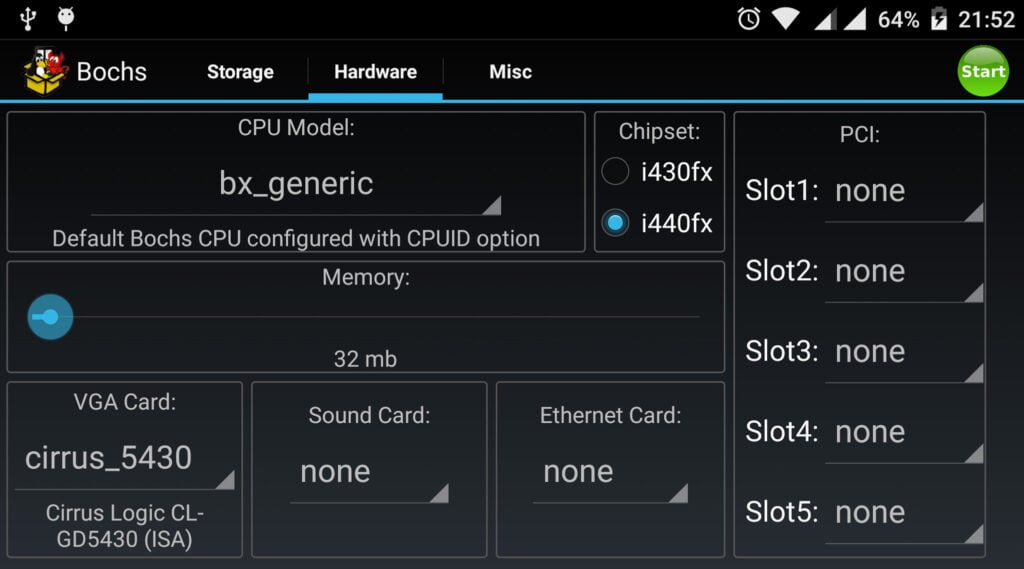
Download Bochs here
QEMU
QEMU is an open-source machine emulator and virtualiser, most commonly used for full-system emulation, creating a virtual model of a machine, including the CPU, memory, and emulated peripherals to run a guest OS. The emulator can be used for user mode emulation, where QEMU launches processes suited for one CPU on another CPU with supported architecture.
The QEMU project aims to support the latest versions of Windows that the vendor still supports.

Download Qemu here
Limbo PC Emulator
A QEMU-based emulator, Limbo comes with features like PC emulation for Android. It can emulate lightweight operating systems for Intel-based x86 PCs.
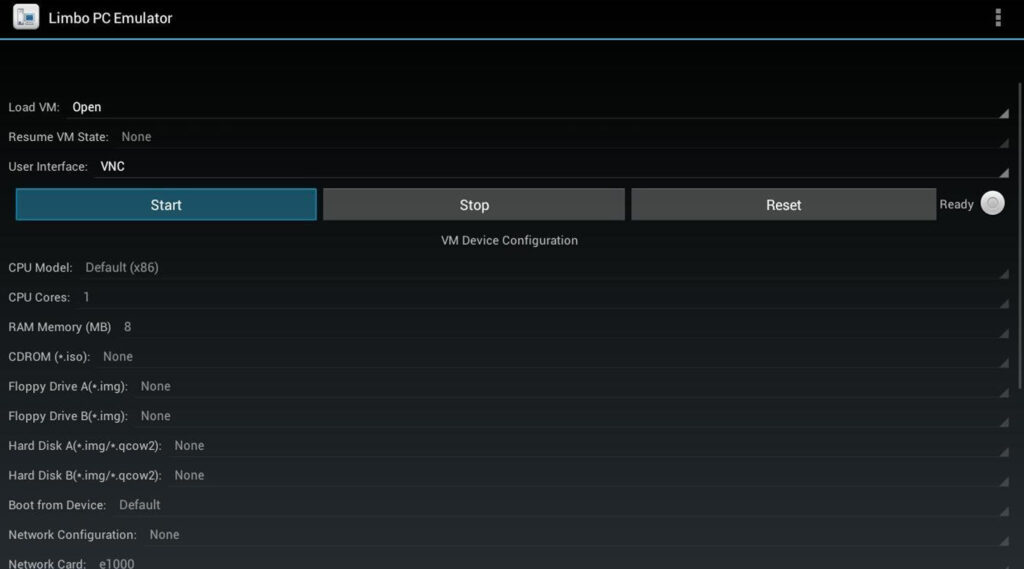
Source: Screenshot from Sourceforge – Limbo PC Emulator
Download Limbo here
Wine
Wine, originally short for ‘Wine Is Not an Emulator’, is an open-source software that performs as a compatibility layer to run Windows applications on other operating systems like Linux, macOS and Android. Rather than simulating the entire Windows OS, Wine allows you to integrate Windows applications into your Android device.

Download Wine here
JPCSIM
The purpose of the JPCSIM computer simulator is to enable users to practice installing various Windows operating systems. JPCSIM is a simulator and not an emulator. Thus, its functionality to run true PC applications is limited. However, it can give you the look and feel of having a Windows PC on your smartphone.

Source: Screenshot from Google Play – JPCSIM – PC Windows Simulator
Download JPCSIM here
Win7 Simu
Although Microsoft discontinued support for Windows 7 on January 14, 2020, the interface is popular among users. Win7 Simu simulates the interface and functionalities of Windows 7, including the boot animation, login screen, taskbar, start menu and shutdown screen.

Download Win7 Simu here
Win 98 Simulator
Win 98 Simulator is an app that lets you simulate your Android device’s Windows 98 operating system.
The simulator lets you use Windows-specific apps and games like Minesweeper, Solitaire, and Paint on your Android smartphone. Once you install Win 98 Simulator on your Android phone, you will find that all these programs are completely functional on your smartphone.

Source: Screenshot from Uptodown – Win 98 Simulator
Download Win 98 Simulator here
Drawbacks of using an emulator
Emulators often run slower than the device or OS they emulate and can take up a lot of processing power. The functionality might be limited depending on the type of emulator you choose. For Windows on Android, there are fewer emulators in the market and some function as simulators rather than emulators.
Users should research before downloading an emulator and only use trusted websites and app stores. There have been instances where attackers have targeted emulators to deliver malware.
Lastly, there could be grey areas regarding the actual use of emulators. While the emulators themselves are not illegal, using them to bypass the purchase of applications or games could be deemed illegal or a copyright infringement as per the legal policies of the creators of the app or game. Go through the regulations for downloading and using emulators in your country and the legal policies related to the apps and OS you intend on emulating.
Also read: Top 3 Nintendo Switch emulators


