Many people who are building a new PC or have opened a computer case and looked at the motherboard have noticed that a green light is on it. The green LED light has a specific function; if it is flickering, it indicates something.
In this article, we’ll explain what is the meaning of this green light and how to troubleshoot the issue.
What does the green light on the motherboard mean?
Usually, the green light on the motherboard indicates the standby power indicator or power status and when this light blinks, it means that the motherboard is receiving power when the computer’s sleep mode is activated.
This light is located beside the 24-pin power connector. The green LED shows that the motherboard is currently in standby mode and will wake fully when the computer is turned on.
Here are some things that the green light on the motherboard means:
- A green light indicates that the power supply unit is working correctly. However, if the lights are off, this means that the motherboard is not receiving the power.
- This light also indicates that some parts of the motherboard are still active and receiving power.
Also read: QHD vs FHD: Which one should you pick?
How to troubleshoot the green light on the motherboard issue?
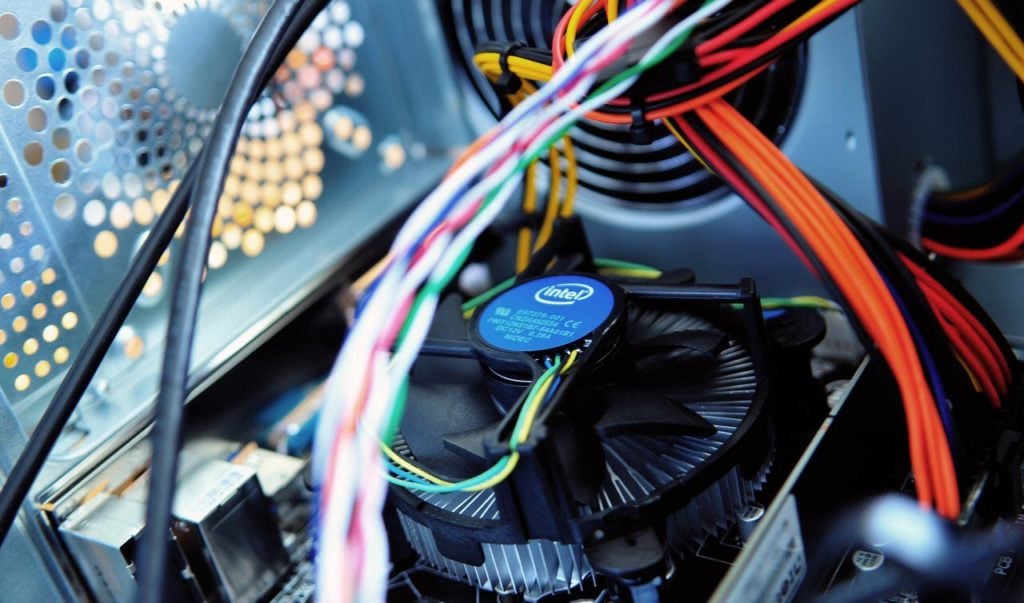
The green light on the motherboard is not suspicious and is usually a signal that the motherboard is adequately receiving the power. However, sometimes it may not work as intended.
Here are some troubleshooting tips that you should keep in mind to fix the issue:
If the light is on but the computer doesn’t turn on
This indicates that the motherboard is receiving the power but the PC’s power button or the cable has been damaged. It may also mean that the BIOS is corrupt. Here are some steps that you can take:
- Check the power button and cables for damage and repair them ASAP.
- Reset the BIOS.
- Check and replace the power supply unit.
The lights are off, but the computer turns on
If you do not see the green lights on the motherboard, but your computer turns on effortlessly, this means that the motherboard is not receiving the power but bypassing the power due to a faulty PSU.
Other reasons for this error can be a damaged connector, a short circuit in internal wires, and a faulty motherboard. You can take the following steps to fix the issue:
- Check and replace the PSU or power connector.
- Inspect the motherboard for physical damage.
- If nothing works, replace the motherboard.
The green light is flickering
A stable green light means that the motherboard is receiving constant power while a blinking or flickering light means that the power supply is unstable.
There can be many reasons for this issue including a faulty PSU or power connector, a damaged motherboard or a sudden power surge. Follow the steps given below to fix the issue:
- Check and replace the damaged PSU and motherboard.
- Check the main power outlet for any damage and replace it if necessary.
In conclusion, the green light on the motherboard indicates the power status and can help you in diagnosing and troubleshooting problems with the motherboard or the PSU. The light is not suspicious and you should take no heed if the light is constant. However, if the light is off or is blinking, there may be some hardware issues and to fix them, follow the steps that we have mentioned above.
Also read: MSI vs Gigabyte motherboard: Which one is better?