Fans of Escape from Tarkov have experienced the error 103003 while trying to launch the game. The error message says: Game Launch. Error: 103003. Access is denied.
This error can be quite frustrating for some players especially if you are with your friends. Fortunately, there are a few quick fixes that you can try to resolve the issue.
In this article, we’ll list these fixes in detail.
What causes the error 13003 in Escape from Tarkov?
The error 13003 error in Escape from Tarkov can be caused due to various factors including:
- A problem in the network connection.
- Corrupted or missing game files.
- Incompatible game resolution.
- Outdated or missing drivers.
- Server-side issues.
Also read: Fortnite out of memory error: Quick Fix
How to fix error 13003 in Escape from Tarkov?
Now that we have understood the reasons, let us take a deep dive into the fixes so that you can resume playing.
Run Battlestate Games launcher as an administrator
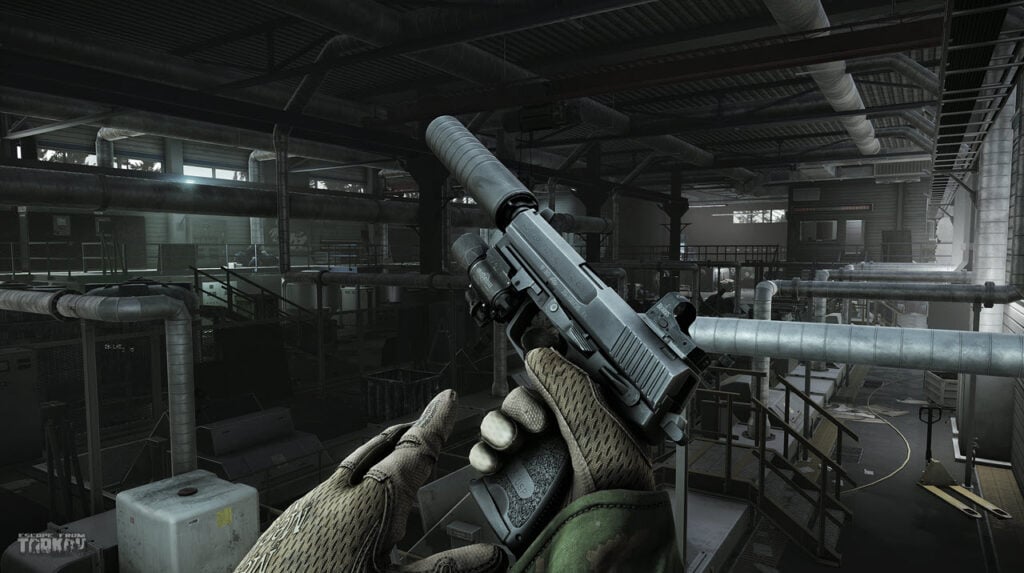
Sometimes, the game launcher does not have enough permissions to access the system files. This hampers the launching of the game as the game launcher becomes unstable.
To fix this issue, you can try to run the game launcher as an administrator. Here’s how to do this:
Step 1: Right-click on the Battlestate Game launcher and then select Run as administrator.
Step 2: You will see a notification saying ‘Do you want to allow this app to make changes to your device?’. Click on Yes and the program will launch.
Verify the game files
Sometimes, the game files can be corrupted or missing. Verifying the game files essentially replaces the corrupt or missing files with errorless ones so that your game runs normally.
Usually, most game launcher like Steam or Epic has this facility. Battlestate Games is not different.
Step 1: Open the Battlestate Games launcher and head to game settings.
Step 2: Head to Verify game files and let the process complete.
Launch the game again to see if it fixes the error 103003 in Escape from Tarkov.
Check the game servers

Sometimes, the problem lies on the server side and we try fixes to resolve the issue. Head to the Escape from Tarkov server page to see if the server is down.
You can check the social media handles of Battlestate Games to know more about the server outage, if any.
Check your internet connection

An unstable or disrupted network can cause error 103003 in Escape from Tarkov. You will have to make sure that the internet is running smoothly for the game to connect to the server.
We have covered in detail what steps should you take to fix your internet issues.
For WiFi issues, head to this article to know the steps to fix the issue.
Update your graphics drivers
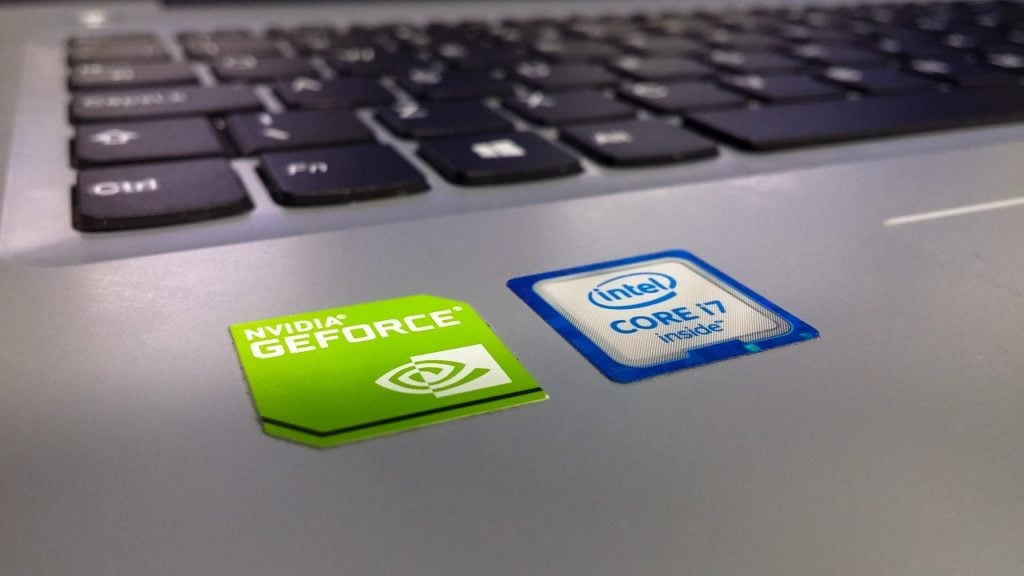
If your device’s drives are outdated or corrupt, there’s a high chance that you will see the Tarkov error 103003.
Head to this article to learn how to update Nvidia graphics drivers.
Change the display resolution
A few players have reported that changing the display resolution has helped to fix the error 103003 in Escape from Tarkov.
Here’s how to do this:
Step 1: Right-click on an empty space on your desktop or laptop and then select Display settings.
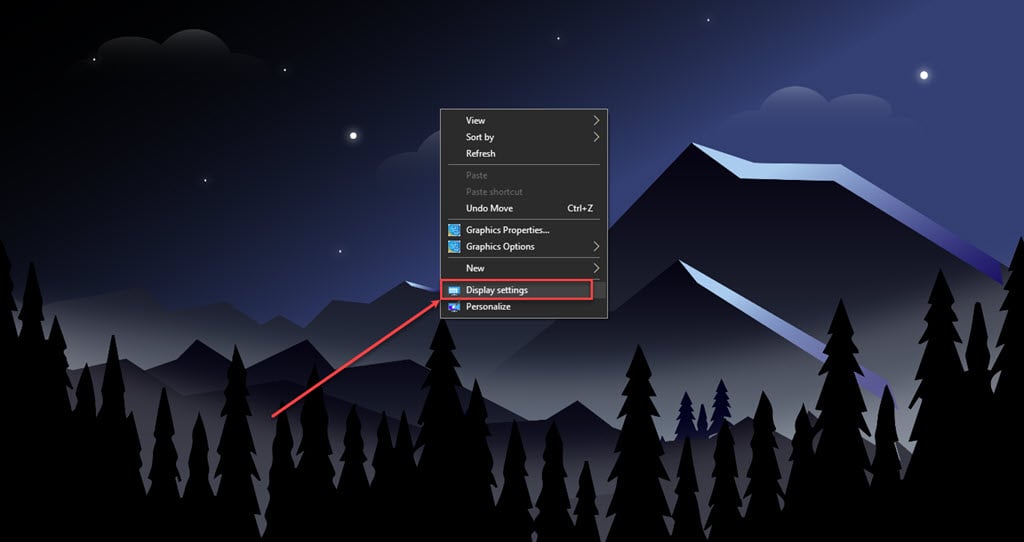
Step 2: Head to Display resolution and then click on the downward arrow to see a list of available settings. Click on the setting and you are good to go.

In conclusion, the Escape from Tarkov error code 13003 can be caused due to several factors. Follow the steps that we have mentioned above to resolve the issue quickly and easily.
Also read: How to fix EA app error code EC 10000?