
Little Alchemy 2 is a popular game where you start with basic elements like air, water, and fire and then combine them to create new things. It is the sequel to Little Alchemy. It’s a fun and creative way to experiment and see what unexpected discoveries you can make.
This article discusses three easy methods for playing and enjoying this exciting game, Little Alchemy 2, on your PC. You can watch the video below or continue reading the article.

Also read: How to make a Plant in Little Alchemy 2?
Three easy methods to play Little Alchemy 2 on PC
Here are the three methods to help you play Little Alchemy 2 on your PC:
Web Browser
Playing Little Alchemy 2 via a web browser is perhaps the simplest option. Just visit the official Little Alchemy 2 website. Once there, you can start combining elements and creating your universe right from your browser window. This method is hassle-free and doesn’t require any downloads or installations. It’s perfect for those who want to dive into the game quickly without any setup.

Emulator
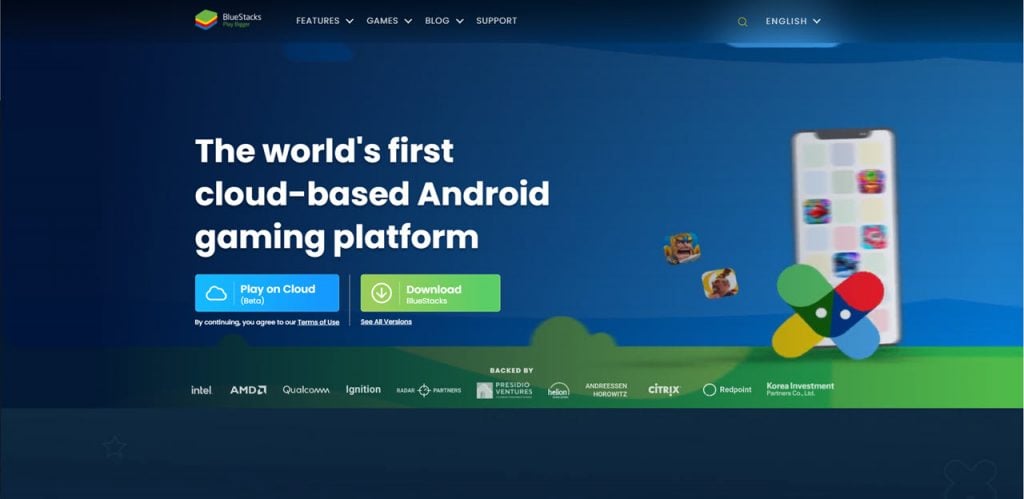
An emulator is another popular way to play Little Alchemy 2 on PC. Emulators like BlueStacks or NoxPlayer allow you to run Android applications on your computer. The process is quite straightforward: download and install the emulator you prefer, then search for Little Alchemy 2 in its app store and install it. Once it’s set up, launch the game and begin playing like a mobile device. Emulators offer a more immersive experience than web browsers, as they simulate the mobile environment more accurately.
Google Play Games Beta app
Google Play Games now offers a beta app for PC, providing access to a vast library of Android games, including Little Alchemy 2. Simply download and install the Google Play Games beta app on your PC, sign in with your Google account, and browse for Little Alchemy 2 in the store. With a few clicks, you can install the game directly onto your PC and enjoy it without the need for an emulator or a web browser. The Google Play Games beta app streamlines the process of accessing Android games on PC, offering convenience and ease of use.

In conclusion, playing Little Alchemy 2 on your PC is easier than ever with these three methods: via a web browser, using an emulator, or through the Google Play Games beta app. Whether you prefer playing in a browser, the immersive feel of using an emulator, or the convenience of a dedicated app, there’s an option that suits your tastes perfectly.
Also read: How to make a monkey in Little Alchemy 2?





