Connecting your Android device to your TV via USB-C to HDMI should be easy. It’s a convenient way to enjoy your favourite content on a larger screen. However, there are times when things don’t go as smoothly as expected, and you face the frustrating issue of USB-C to HDMI not working.
USB C to HDMI not working? This article discusses various causes of the issue and a few ways to help you fix it.
What causes this issue?
There can be various reasons that might be causing issues with the USB-C to HDMI when connecting from Android to TV.
- Hardware compatibility.
- Faulty cable or adapter.
- Temporary glitches.
- Using the wrong USB settings.
- Outdated software or firmware
Also read: How to fix error: USB connector disconnected on Android?
How to fix the issue?
Here are a few ways that might help you connect your Android to TV through USB-C to HDMI:
Check hardware compatibility
To start solving any problem, it’s crucial to ensure your equipment works well together. While many Android phones can link to TVs through USB-C to HDMI, not all TVs support this connection.
Inspect cables and adapters
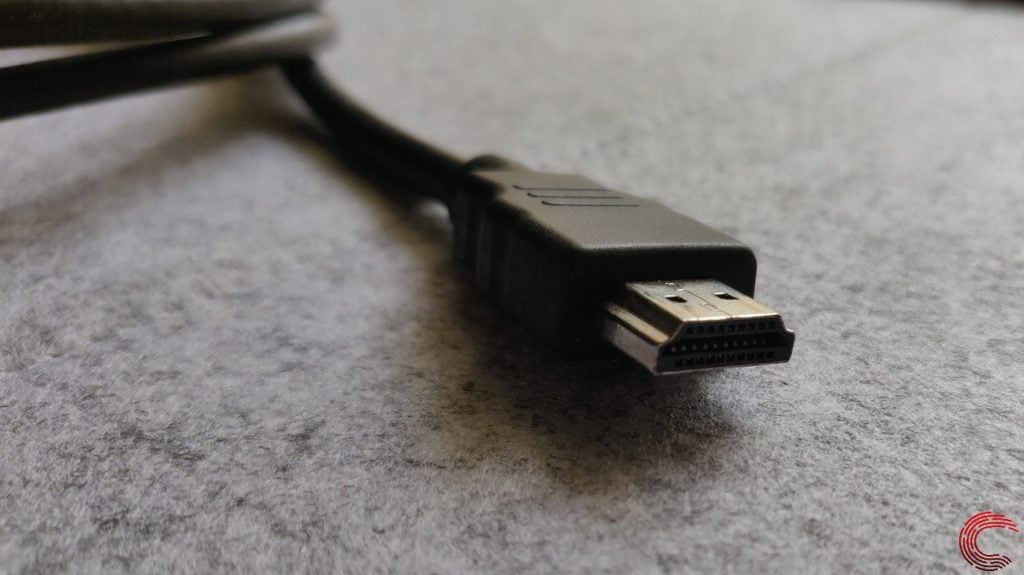
Check the cables and adapters you’re using. Ensure that you’re using a high-quality USB-C to HDMI cable or adapter. Sometimes, cheap or damaged cables can lead to connectivity issues. If possible, try a different cable or adapter to rule out any potential hardware problems.
Restart your devices
Simple as it may sound, restarting your Android device and TV can resolve various issues. Power cycling can reset settings and clear temporary glitches that might be causing the problem. switch off both devices, wait for a minute, switch them back on and then try connecting them again.
Check your phone’s settings
Many users are facing issues where they are not getting the audio on their TV when connected to their Android phone via USB-C to HDMI. If you also face this issue, the simple solution is to change your USB configuration.

Also read: How to fix Zelle error c201?
Update Software and Firmware
Outdated software can sometimes cause compatibility issues. Ensure your Android device and TV have the latest system updates and firmware. Manufacturers often release updates to address bugs and improve compatibility.
Test on another TV
To isolate the problem, connect your Android device to another TV, if possible. If it works on a different TV, the issue may be with your original TV. If the problem persists, it could be a problem with your Android device.

Contact a Technician
If all else fails, and you’re still experiencing the USB-C to HDMI not working issue, it may be time to seek professional assistance. Visit a local electronics store or contact your device’s customer support for further guidance and troubleshooting.
Also read: Android error: USB settings greyed out: Quick Fix