Vizio is a renowned brand in the world of televisions, known for its sleek designs and innovative features. However, like any electronic device, Vizio TVs can encounter errors from time to time. One such error that users may come across is the Vizio TV error code 2902_1. This error can be frustrating, but fear not, as it can be fixed with simple troubleshooting methods.
This article discusses various reasons that might be causing the Vizio TV error code 2902_1 and a few methods to fix it.
What causes Vizio error 2902_1?
The main cause for this error is a network connectivity issue, but some users might also encounter it because of some other internal issues.
Also read: How to restart a Vizio TV?
How to fix error code 2902_1?
Here are a few methods that might help you fix the Vizio TV error code 2902_1:
Check the internet connection
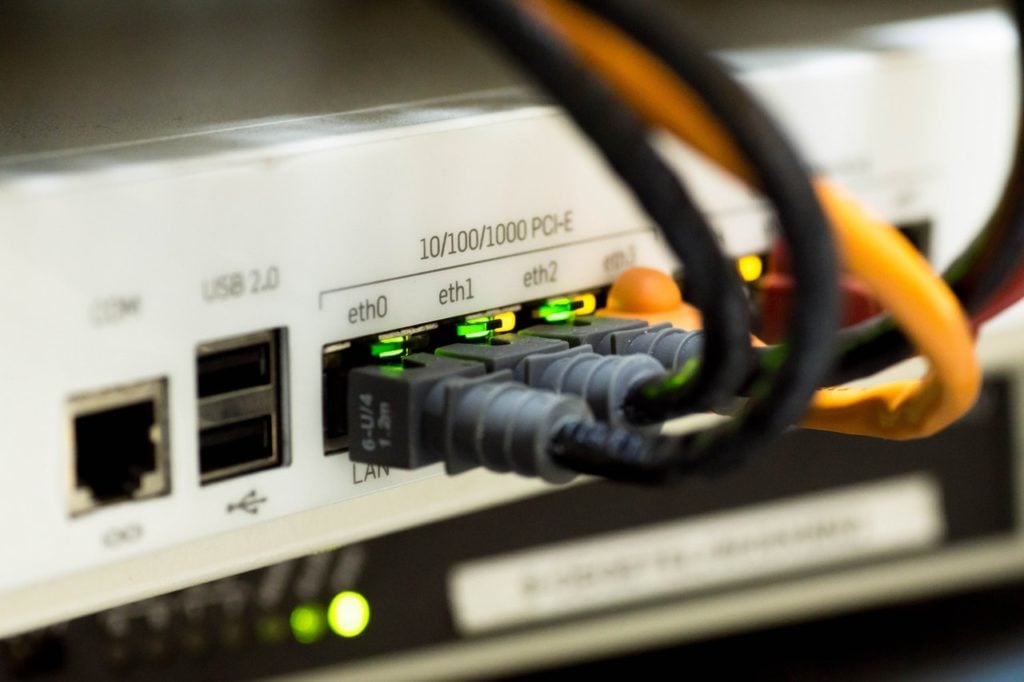
If you suspect a problem with your WiFi connection, you can check your network signal using a speed test. Ensure you have a minimum of 1.5 Mbps to start streaming on your Vizio SmartCast TV. If your signal is weaker than that, consider improving your Internet connection by elevating your router or you can also restart it, which will refresh the connection.
Power cycle your TV
If restarting your router did not improve the connection, you might want to try to power cycle your TV; it will refresh the TV and fix temporary glitches or bugs that might be causing the issue. To power cycle your TV, follow the steps below:
- Turn off your Vizio SmartCast TV.
- Unplug your TV.
- Wait for about three minutes before plugging it back in.
- Turn on the TV, connect it to the internet and check for the error.
Also read: How many videos are there on YouTube?
Refresh SmartCast Home
Refreshing the SmartCast home has resolved this issue for many users; here are the steps to refresh the SmartCast home:
- Go to Menu > System > Menu Language
- Select Spanish or French language.
- If the SmartCast home loads, then change the menu language back to English or the language you were using.
- If the SmartCast home is still not loading, you have factory reset your Vizio TV.

Factory reset your TV
Resetting your TV can fix internal problems. However, it’s important to be aware that when you do a factory reset on your Vizio SmartCast TV, it will wipe out all the customised settings and accounts you’ve set up, returning the TV to its original default settings. Here are the steps to reset your TV:
- Go to Menu > Admin & Privacy > Reset to Factory Settings.
- If you’ve created a system PIN code, please enter it now.
- On the screen, it will display Select Reset to restore all TV settings to factory defaults.
- Choose Reset and press the OK button.
- Afterwards, wait for the TV to power off. It will turn back on quickly, and the initial setup will commence.
Contact customer support
If resetting your TV does not resolve the issue, contact Vizio customer support for further assistance.
Also read: Top 7 free boxing streaming sites